
 Lattia

What Is the Google Ad Grant?
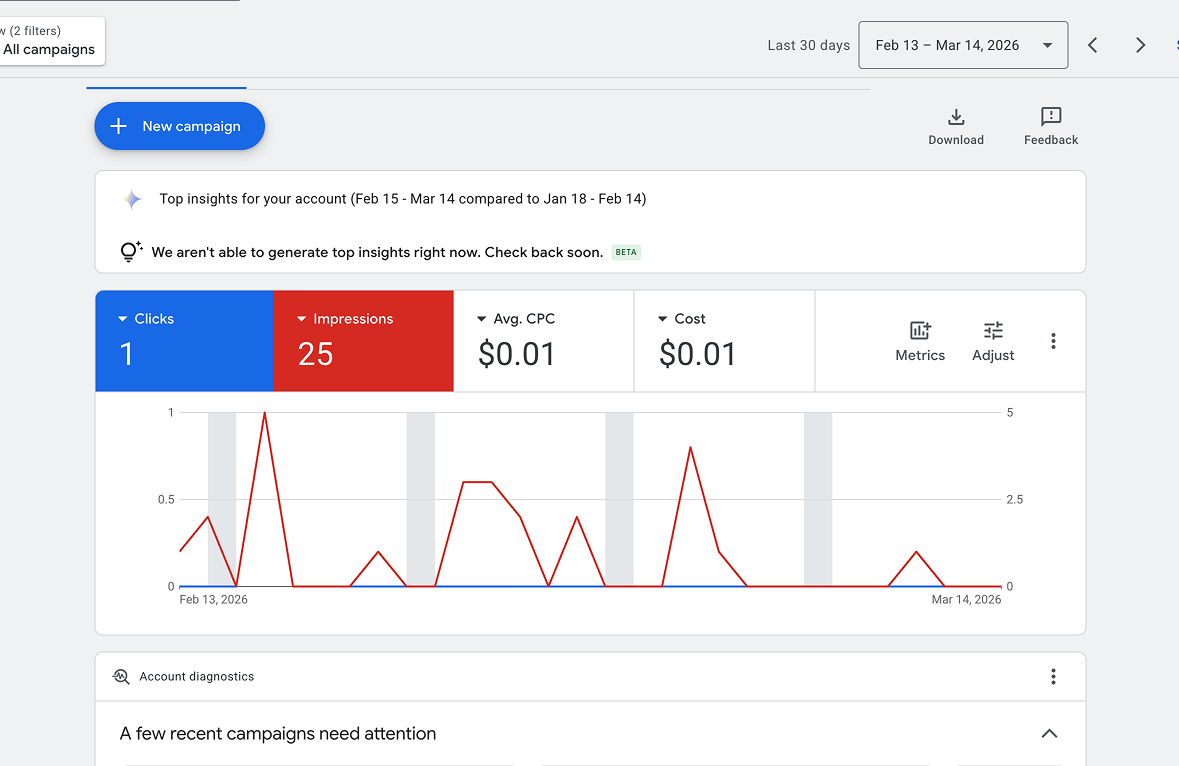
Through its Google for Nonprofits program, Google offers eligible 501(c)(3) organizations up to $10,000 per month (~$329/day) in free Google Search advertising. That's $120,000 per year in ad spend — at no cost.
The program has been around since 2003 and has distributed billions in free advertising to nonprofits worldwide. On paper, it's one of the most generous corporate philanthropy programs in existence.
But here's what the glowing blog posts and Google's own marketing materials don't emphasize: the program comes with restrictions that make it dramatically harder to use than regular Google Ads. Most nonprofits either never fully activate their grant, get their account suspended within a few months, or run ads that generate impressions but almost zero meaningful results.
This guide is written from hands-on experience managing a Google Ad Grant account. We'll cover how to apply, what the restrictions actually mean in practice, and the strategies that can make the grant genuinely useful for your organization.
How to Apply for the Google Ad Grant
Before diving into strategy, here's what you need to get approved:
Eligibility requirements
- Your organization must hold current 501(c)(3) status (or the equivalent in your country)
- You must be registered with Google for Nonprofits and verified through Percent (formerly TechSoup)
- Government entities, hospitals, and academic institutions are not eligible
- Your organization must have a functioning website with substantial content
The application process
- Register with Google for Nonprofits at google.com/nonprofits — you'll need your EIN and organizational details
- Get verified through Percent (this can take a few days to a few weeks)
- Activate the Google Ad Grant from within your Google for Nonprofits dashboard
- Set up your Google Ads account following Google's specific grant requirements
The application itself is straightforward. The challenge comes after approval.
The Restrictions Nobody Talks About
This is where most "Google Ad Grant" articles lose credibility — they gloss over the restrictions or mention them in passing. These restrictions fundamentally change how you can use the grant, and if you don't understand them before you start, you'll waste weeks building campaigns that can't succeed.
The $2.00 maximum cost-per-click
This is the big one. Your bids on any keyword cannot exceed $2.00 per click.
To understand why this matters, consider what regular advertisers pay for nonprofit-related keywords:
- "Donate to charity" — $4–8 per click
- "Nonprofit donations" — $6–12 per click
- "Help homeless" — $3–7 per click
- "Food bank near me" — $2–5 per click
With a $2.00 cap, you are priced out of almost every high-intent keyword in the nonprofit space. The keywords where someone is actively looking to donate or volunteer are exactly the ones where paid advertisers are bidding $5, $8, $12 per click — and your ad will never show because you can't compete.
This is the single biggest frustration with the program. Google is giving you $10,000/month but limiting you to keywords where the competition is low enough that $2 can win. In practice, that often means your ads show for informational queries, not transactional ones.
The 5% click-through rate (CTR) minimum
Google requires your account to maintain a minimum 5% CTR every month. If you fall below 5% for two consecutive months, your account gets suspended.
For context, the average CTR for Google Ads across all industries is about 3.17%. Google is holding grant accounts to a standard that's nearly double the industry average — while simultaneously restricting your bids to $2.00 and limiting you to text-only search ads.
This creates a vicious cycle:
- You can only afford low-competition keywords (because of the $2 cap)
- Low-competition keywords often have broad, informational intent (people browsing, not acting)
- Broad informational queries generate impressions but lower click-through rates
- Your CTR drops below 5%
- Google suspends your account
Many nonprofits get approved, spend a few weeks setting up campaigns, and then get suspended before they see any real results.
Other restrictions you should know about
- Search ads only. No display ads, no video ads, no remarketing, no shopping ads. Text-based search ads on Google.com only.
- No single-word keywords (with a few exceptions like your brand name). You can't bid on "donations" or "volunteer" — it must be at least two words.
- No overly generic keywords. Google can (and does) disapprove keywords they consider too broad, like "free things" or "today's news."
- Must have valid conversion tracking. You need at least one meaningful conversion action set up (donation, signup, volunteer form, etc.).
- Must log in and manage the account monthly. Neglected accounts get paused.
- Geographic targeting required. You must target specific geographic areas relevant to your mission.
- Must link to your own website. No sending traffic to social media, GoFundMe, or third-party platforms.
What the Grant Is Actually Good For
After reading those restrictions, you might wonder if it's even worth the effort. It is — but only if you set the right expectations and use it for the right purposes.
Here's what the Google Ad Grant can realistically do for your nonprofit:
1. Brand awareness and mission education
The grant excels at getting your organization's name in front of people who are searching for causes like yours. Even if they don't click, seeing your name in search results builds familiarity.
And when they do click, you can direct them to well-crafted pages that tell your story. This is where the grant shines — as the top of your funnel, not the bottom.
2. Long-tail, location-specific keywords
This is the single most effective strategy for grant accounts. Instead of bidding on "donate to animal shelter" ($5+ per click, you'll never win), bid on:
- "animal rescue volunteer opportunities Denver Colorado"
- "how to help homeless pets in [your city]"
- "after school tutoring programs [your neighborhood]"
- "food bank hours [your county]"
These long-tail keywords have lower competition, higher relevance to your specific organization, and often better conversion rates because the searcher is looking for exactly what you offer in exactly the place you operate.
3. Event and program promotion
Running a fundraising gala, a 5K, a food drive, or a community event? The grant is great for driving registrations and awareness for specific, time-bound activities. Create dedicated campaigns for each event with tightly focused keywords.
4. Volunteer recruitment
Volunteer-related searches often have lower CPCs than donation-related searches. "Volunteer opportunities near me" and variations are keywords where your $2 bid can actually compete — and volunteers often become donors later.
5. Email list building
Instead of trying to drive immediate donations (where you can't compete on keywords), use grant traffic to build your email list. Drive visitors to a compelling landing page with a clear value exchange: "Get our free guide to [topic]" or "Sign up for our monthly impact updates." Then nurture those contacts into donors through email over time.
How to Keep Your Account From Getting Suspended
Account suspension is the most common outcome for nonprofits using the Google Ad Grant. Here's how to avoid it:
Pause underperforming keywords aggressively
Check your account weekly. Any keyword with a CTR below 3% after a reasonable number of impressions should be paused immediately. One bad keyword with a lot of impressions can drag your entire account CTR below the 5% threshold.
This feels counterintuitive — you're cutting the keywords that are getting the most visibility. But impressions without clicks are account killers in the grant world.
Use exact match and phrase match keywords
Broad match keywords (the default) show your ads for loosely related searches. This generates tons of irrelevant impressions, tanks your CTR, and gets your account suspended.
Stick to exact match [like this] and phrase match "like this" keywords. You'll get fewer impressions but dramatically higher CTR.
Build extensive negative keyword lists
Negative keywords prevent your ads from showing for irrelevant searches. For example, if you're an animal shelter, add negative keywords like "jobs," "salary," "internship" (unless you're hiring), "near me" (if you only serve one area and Google is showing you nationally).
Review your Search Terms report weekly and add negatives for anything irrelevant. This is the single most important maintenance task for grant accounts.
Write hyper-specific ad copy
Generic ad copy like "Support Our Mission — Donate Today" generates impressions from people who aren't looking for you specifically. Hyper-specific copy like "Volunteer at Denver's Largest Food Bank — Saturday Shifts Available" pre-qualifies clickers and improves your CTR.
The more specific your ad copy, the fewer wasted impressions. And the fewer wasted impressions, the healthier your CTR.
Set up geo-targeting tightly
If you're a local organization, don't target the entire United States. Target the city, county, or metro area you actually serve. This reduces irrelevant impressions from people who would never engage with your organization.
A Realistic Monthly Workflow
Managing a Google Ad Grant account doesn't need to consume your week, but it does require consistent attention. Here's a realistic workflow that keeps your account healthy:
Weekly (30 minutes)
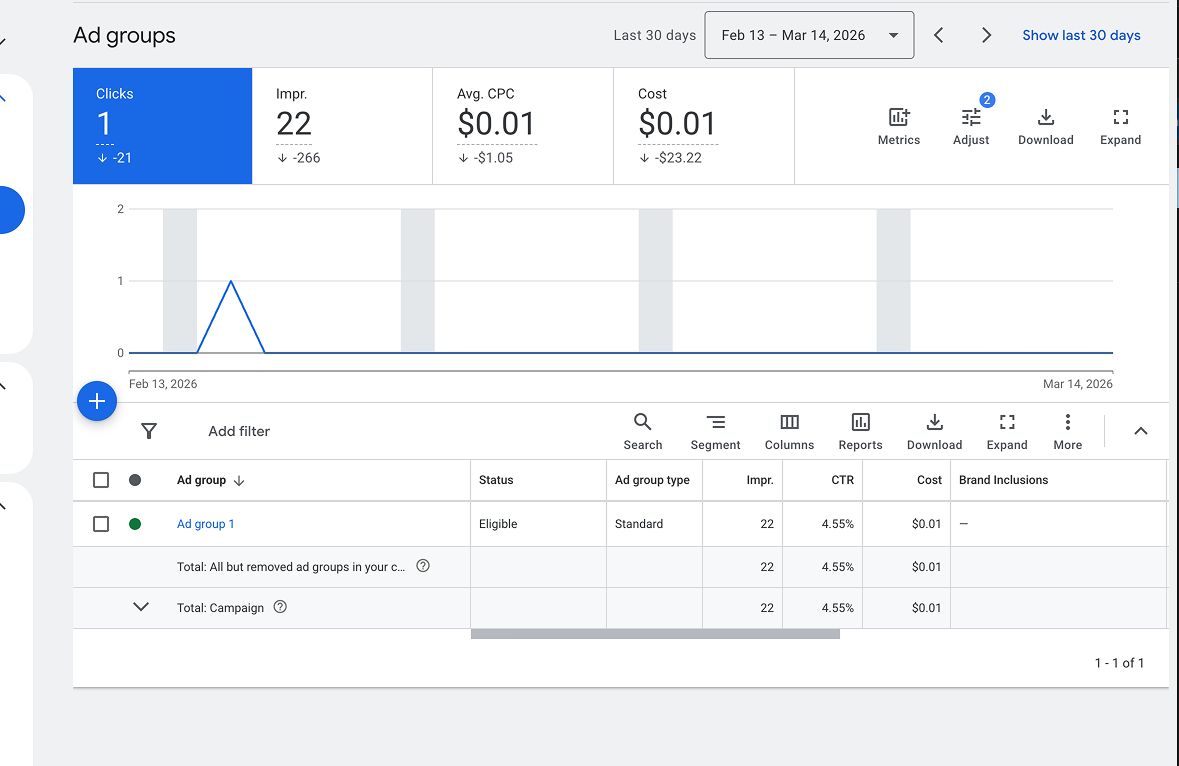
- Check account-wide CTR — if it's trending below 6%, take action immediately
- Review the Search Terms report — add irrelevant terms as negative keywords
- Pause any keyword with CTR below 3% and 100+ impressions
Monthly (1–2 hours)
- Review conversion data — which campaigns are driving actual signups, donations, or form fills?
- Test new ad copy variations (run at least 2 ads per ad group)
- Research 5–10 new long-tail keyword opportunities
- Review geographic performance — cut locations with high spend and no conversions
Quarterly
- Audit your landing pages — are they fast, mobile-friendly, and conversion-focused?
- Review your conversion tracking setup — is it still working and measuring the right actions?
- Assess whether the grant is delivering value relative to the time investment
Setting Up Conversion Tracking (Required)
Google requires grant accounts to have at least one valid conversion action. But beyond compliance, conversion tracking is how you know if the grant is actually doing anything for your organization.
The most common conversion actions for nonprofits:
- Donation completed — the most valuable, but hardest to drive from grant traffic due to bid restrictions
- Email signup — the most realistic and often the highest-volume conversion for grant accounts
- Volunteer form submitted — great for service organizations
- Event registration — excellent for time-bound campaigns
- Contact form submitted — a solid general-purpose conversion
Set up conversion tracking through Google Ads or import goals from Google Analytics. Without this, you're flying blind — and you're violating grant terms.
The Honest Math: Is It Worth It?
Let's run realistic numbers based on what we've actually seen:
| Metric | Realistic Range |
|---|---|
| Monthly budget available | $10,000 |
| Actual monthly spend (most accounts) | $2,000–$5,000 |
| Average CPC (with $2 cap) | $0.50–$1.80 |
| Monthly clicks | 1,500–5,000 |
| CTR (to stay compliant) | 5–12% |
| Conversion rate (email signups) | 3–8% |
| New email subscribers/month | 50–300 |
| Time investment | 2–6 hours/month |
Most accounts don't come close to spending the full $10,000/month. Between the $2 bid cap and the need to maintain 5% CTR, you'll typically spend $2,000–$5,000 of the available budget. That's still meaningful free advertising — but it's not the $120,000/year headline number.
The question is whether 50–300 new email subscribers per month (or volunteer signups, or event registrations) is worth 2–6 hours of your time. For most small nonprofits, the answer is yes — but only if you go in with realistic expectations and a plan to convert that traffic into long-term supporters.
Alternatives and Complements to the Google Ad Grant
The Google Ad Grant shouldn't be your only digital marketing strategy. Here are other free or low-cost options to consider alongside it:
- Microsoft Ads for Social Impact — similar to Google's program but for Bing. Fewer searchers, but also less competition. Worth applying if you're already running Google grant campaigns.
- Organic SEO — blog content targeting the same long-tail keywords you're bidding on. Unlike ads, organic rankings don't disappear when you stop paying.
- Social media (organic) — Facebook, Instagram, and LinkedIn can drive engagement and donations with zero ad spend if you have compelling stories to tell.
- Email marketing — once you've built a list (partly using grant traffic), email is the highest-ROI channel for nonprofits. It's direct, personal, and free to send.
- Google Business Profile — completely free. Optimize your listing with photos, hours, and service descriptions to show up in local searches and Google Maps.
The Bottom Line
The Google Ad Grant is a genuinely valuable program — but it's not the free marketing jackpot that most articles make it sound like. The $2 bid cap, 5% CTR requirement, and search-only restriction mean you need to approach it as a targeted awareness and list-building tool, not a donation-driving machine.
If you go in with realistic expectations, focus on long-tail and location-specific keywords, maintain your account weekly, and use the traffic to build your email list, the grant can deliver hundreds of new contacts per month for a few hours of work.
That's not $10,000/month in value. But it's real, free marketing that most of your peer organizations aren't using at all. And in a year where federal funding is shrinking and foundation grants are more competitive than ever, free marketing that actually works is worth the effort.